
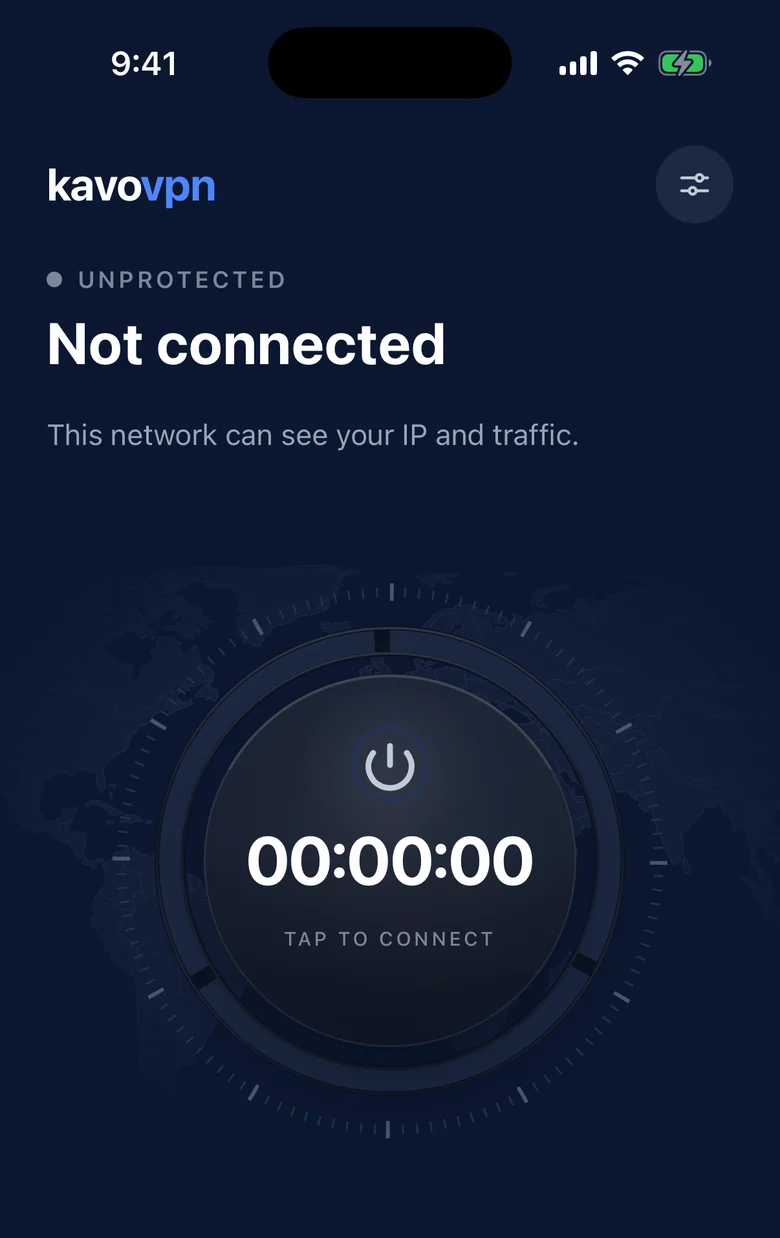
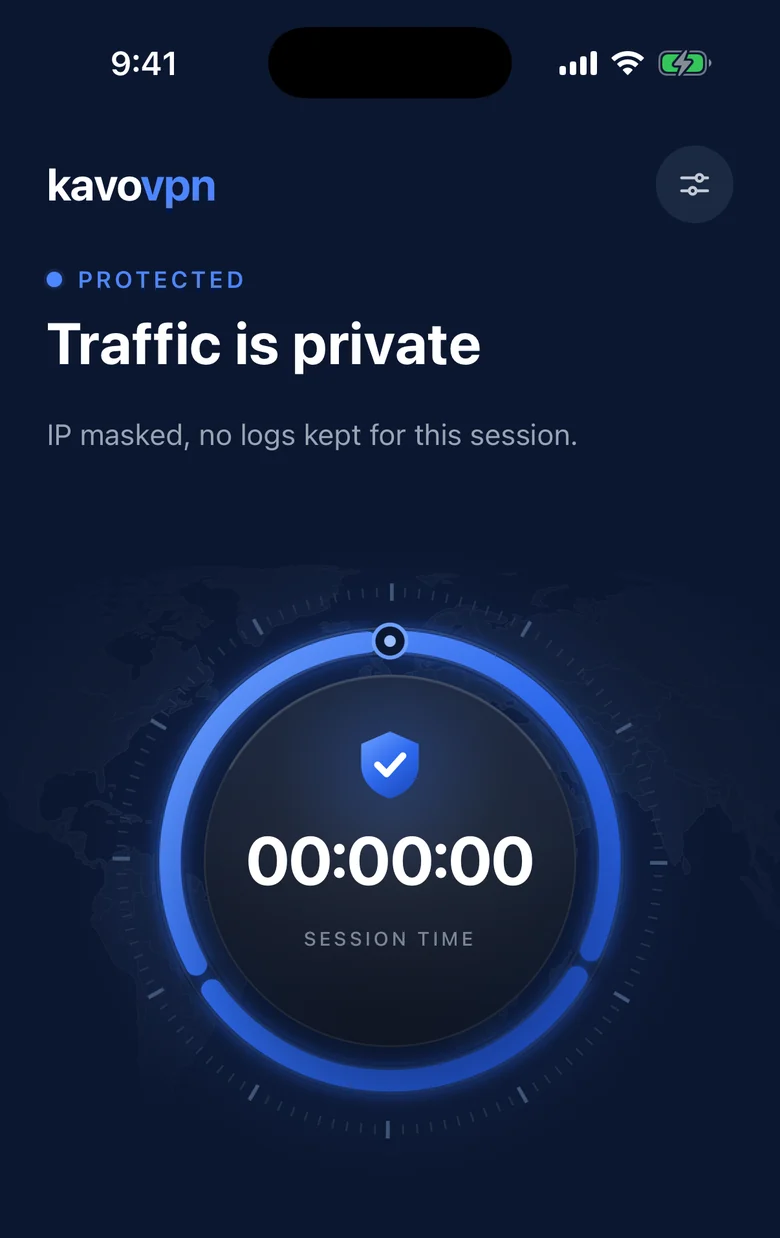
One tap to connect
Tap Connect and Kavo VPN sets up the encrypted tunnel for you, then keeps your session running.
Kavo VPN encrypts your iPhone’s connection with one tap — at home, in a café or on mobile data. Free to use, no account, no ads.
Kavo VPN keeps things simple: open the app, tap Connect, and your traffic is encrypted.
Tap Connect and Kavo VPN sets up the encrypted tunnel for you, then keeps your session running.
Your traffic is encrypted between your iPhone and our servers, so public Wi-Fi and networks you don’t trust can’t read it.
Built on AmneziaWG, an open-source protocol based on WireGuard®, with traffic obfuscation that helps keep your connection stable on restrictive networks.
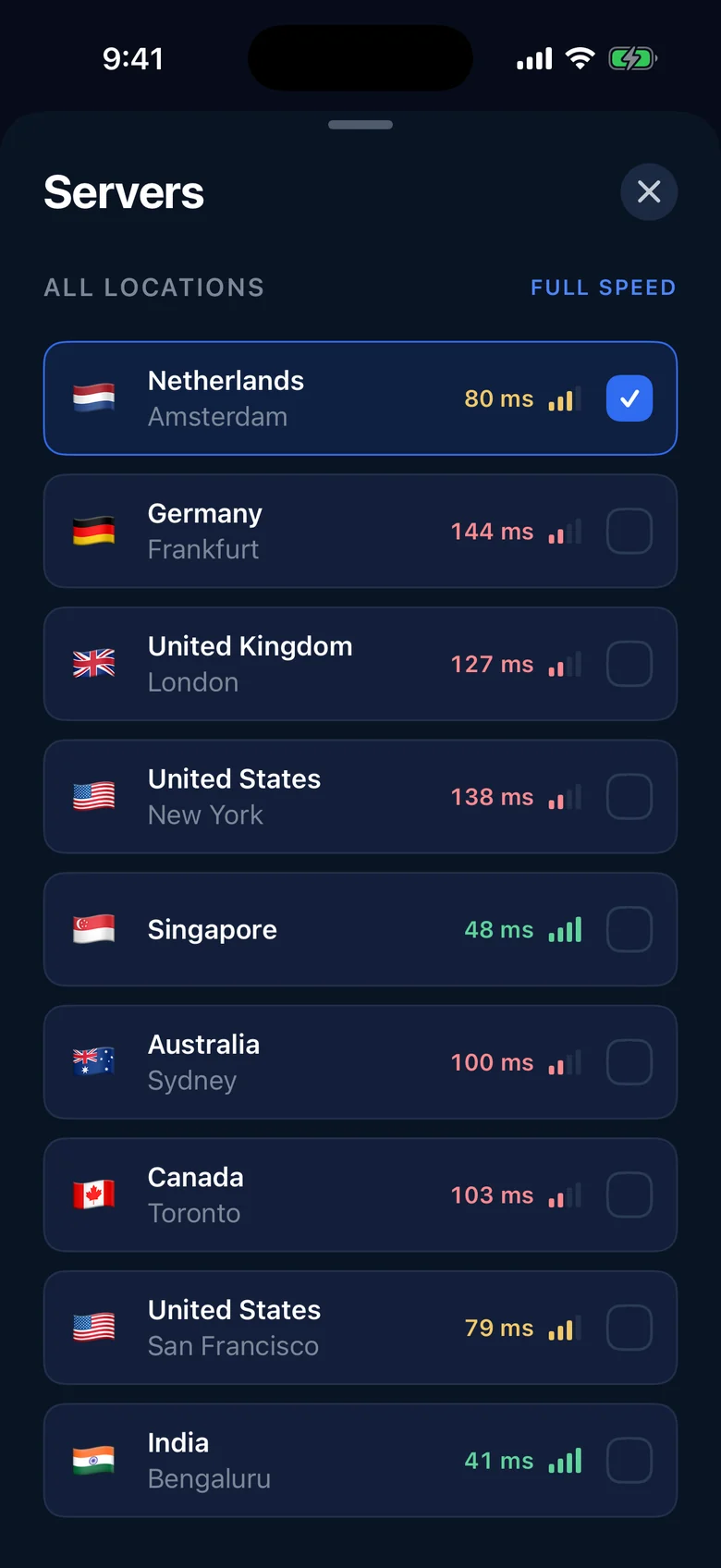
Servers in Europe, North America, Asia and Australia. Each location shows its current response time, so you can pick the fastest.
No sign-up, no email, no password. Kavo VPN is ready to use as soon as you install it.
The app contains no advertising, analytics or tracking tools, and it never shows you ads.
Get the app on your iPhone. It runs on iOS 15 or later.
iOS asks you once to let Kavo VPN add a VPN configuration. Tap Allow — no VPN app can protect your traffic without it.
Keep the suggested location or choose another one, then tap Connect. When the ring turns blue and shows Protected, you’re covered.
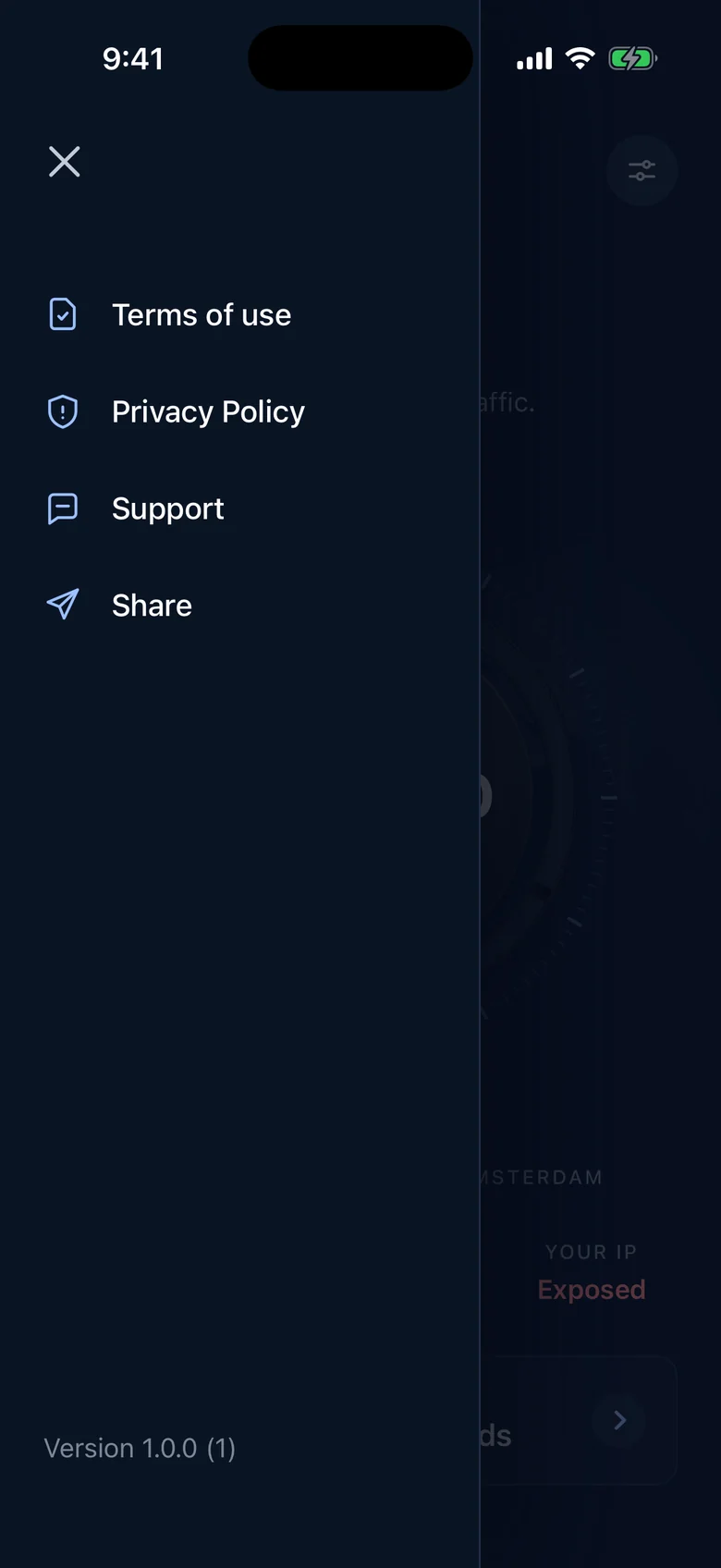
What Kavo VPN never collects.
Yes. Kavo VPN is free to download and use, and the app has no in-app purchases.
No. There is no sign-up, email or password.
No. We never log your browsing history, your DNS queries or the contents of your traffic. See our Privacy Policy.
Kavo VPN is available for iPhone with iOS 15 or later.
Every VPN app on iPhone needs your permission to add a VPN configuration — that is how it routes your traffic through an encrypted tunnel. You can remove it at any time in Settings → General → VPN & Device Management.
Write to support [at] kavovpn.com or tap Support in the app’s settings. See the Support page for what to include.
Private, fast browsing for iPhone — free, with no account and no ads. Questions in the meantime? We’re happy to help.
Contact support